Music sounds full without swallowing everything else.
Better sound from the speakers you own
Hear your speakers.Not your room.
SpeakerSheesh listens through your phone and tunes your speakers for the room they are in. No special microphone. No new speakers.
Hear the difference before you pay.
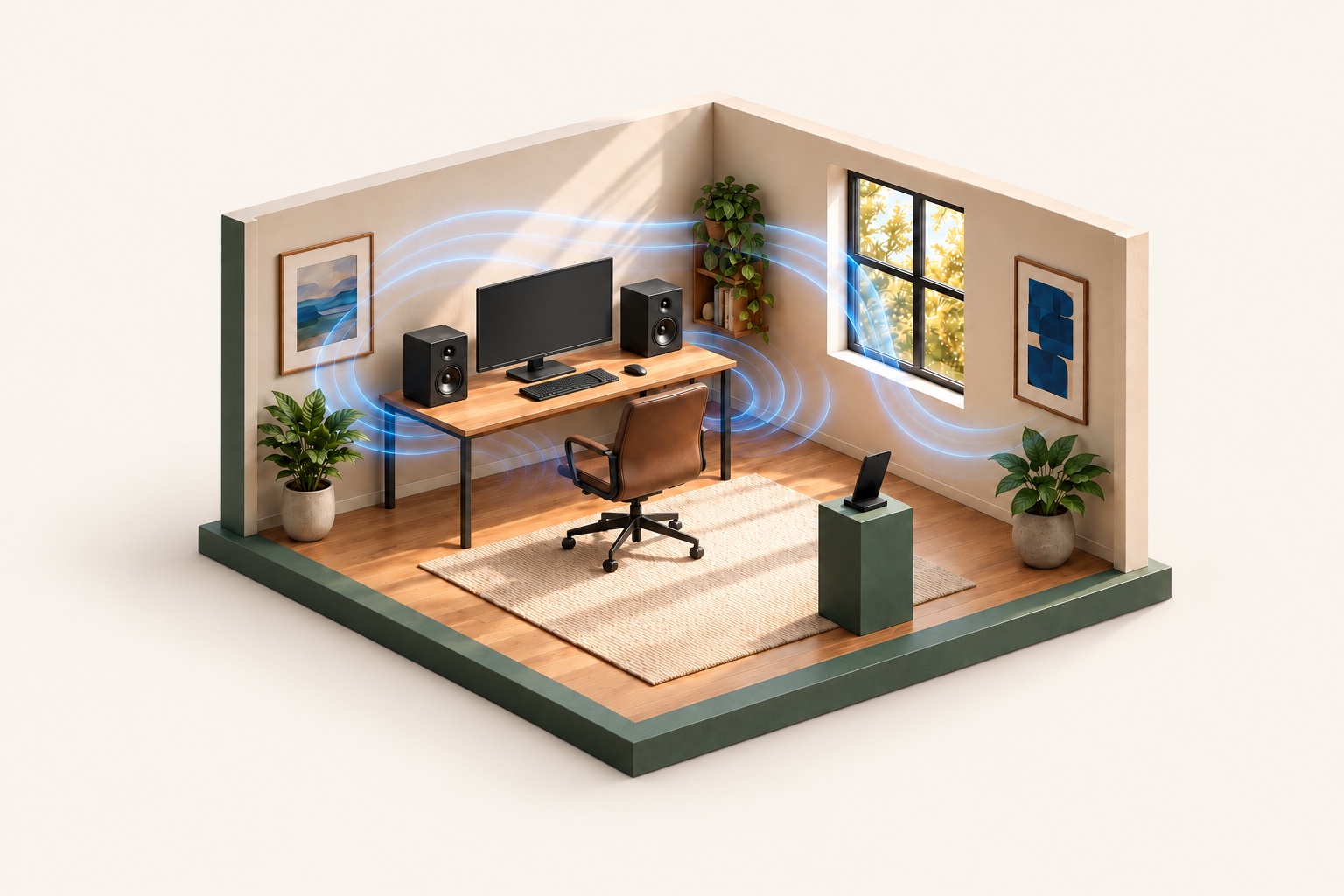
Voices and instruments are easier to pick out.
Your left and right speakers sound more even.
Your room changes the sound
Good speakers can
still sound bad.
Walls, corners, and even your desk can make some notes too loud and bury others. SpeakerSheesh listens from your seat and tones down what the room is exaggerating.
Everything sounds thick and boomy
The room is piling extra energy onto the same bass notes. SpeakerSheesh can bring those notes back into line.
One speaker takes over
Your room and furniture affect each speaker differently. SpeakerSheesh can even out the pair from where you listen.
How it works
No knobs to learn.
Just follow the phone.
- 01
Connect your phone.
Open SpeakerSheesh on your computer and phone. Connect both to the same home network, then follow the setup steps.
- 02
Follow the prompts.
Your speakers play a few sounds while the phone listens from your seat. The app tells you what to do.
- 03
Listen before you pay.
Compare the original and tuned sound for free. Pay once to keep using the tuning if you prefer it.
Use what you have
Your gear.
Better tuned.
SpeakerSheesh works with the phone, computer, and speakers you already own.
See supported setups →Mac or Windows. iPhone or Android.
The computer plays your audio. The phone listens to the room.
Computer speakers, studio speakers, or a stereo pair
Plug them into your computer as usual. SpeakerSheesh handles the tuning.
Easy to try
No special microphone.
No audio expertise needed.
Use the phone in your pocket.
You do not need to buy or learn how to use a measurement microphone.
Let the app handle the tuning.
You will not be dragging equalizer sliders around and hoping for the best.
Hear both versions.
Switch between the original and tuned sound before deciding which one to keep.
Try SpeakerSheesh
Hear it.
Then decide.
Measure your speakers and compare the original and tuned sound for free.
US$49 once to keep using your tuning, including rerunning calibration. One desktop license, phone app included. No subscription.
Tell us your setup. We’ll email you the matching apps.
ComputerMac or WindowsPhoneiPhone or Android